PetowoPetowo
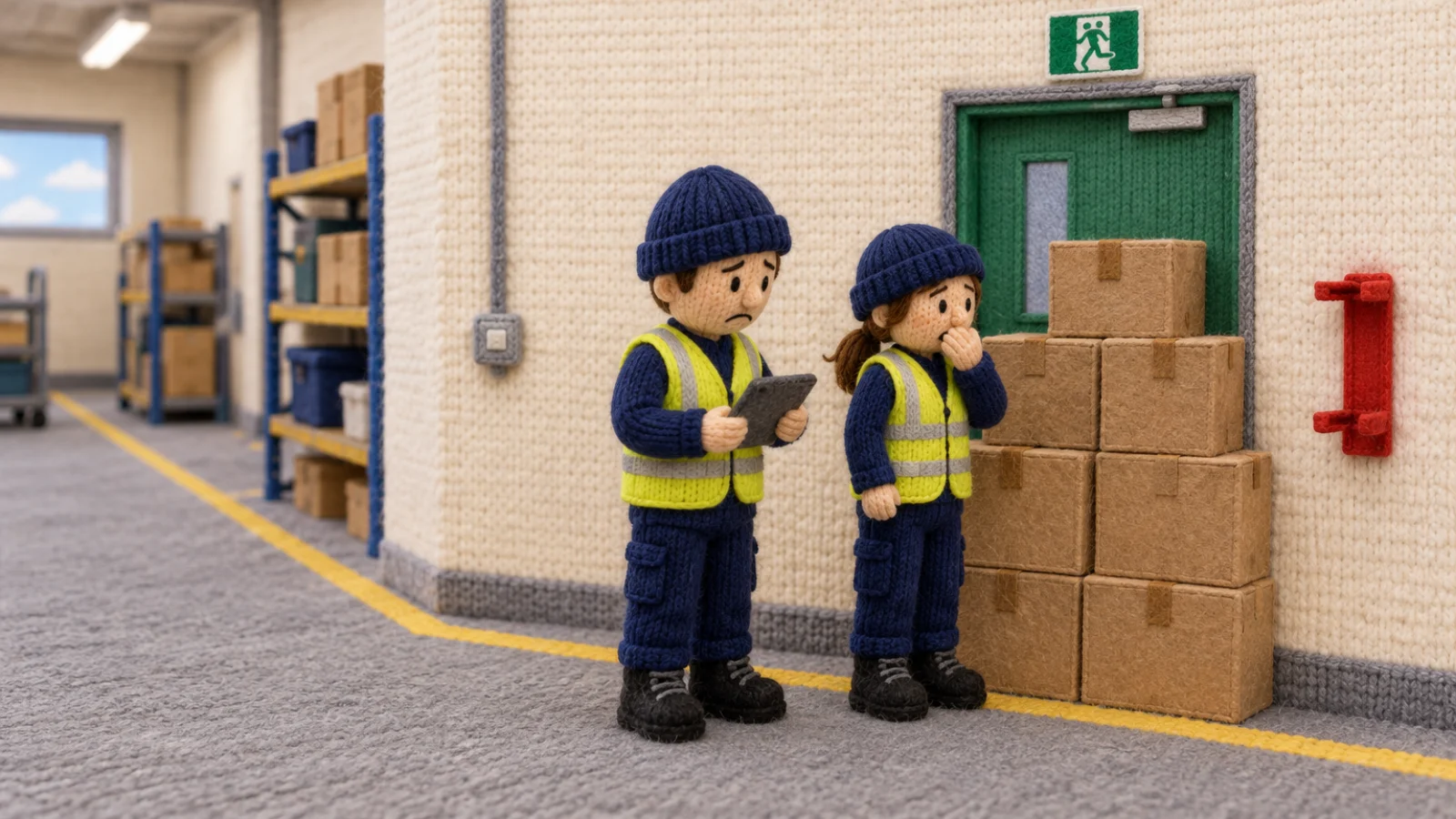
A knitted-wool illustration of a workshop inspection. An inspector with a clipboard has stopped at an empty fire extinguisher bracket beside a fire exit blocked by stacked boxes. A colleague looks on, worried.

Solutions / Inspections

Walk the site, tick it off, and fix what you find.

For supervisors and safety walks. Inspect from any device, on a schedule, and turn what you find into actions.

  • Anyone can report from their phone

  • See which controls are really working

  • Fixes are checked before they're closed

  • Your information stays private to you

The problem in your words

Does any of this sound familiar?

  • Paper, then typing

    I walk it on paper, then type it all up again.

    Half the afternoon goes on copying ticks into a spreadsheet. The photos stay on someone's phone, and the sheet goes in a folder.

  • No signal out there

    There's no signal where the checks actually are.

    Basements, yards and plant rooms. The app stops working just where you need it, and the walk is lost.

  • Found, then forgotten

    We found it last month. We found it again today.

    A finding on a sheet has no owner and no date, so it waits for the next walk, and the one after that.

A walk that ends with something fixed.

  • Paper, then typing

    Ready-made checklists, or your own

    Start from a ready-made checklist or build your own, with sections, guidance and photos. Answer on mobile, tablet or desktop as you walk, and there is nothing to type up afterwards. Each walk keeps its questions as they were on the day, so a later change does not rewrite it.

  • No signal out there

    Works without signal

    Answers and photos are kept on the device until there is signal, so a walk in a basement or up a tower is not lost. If a check was closed on another device, the device keeps what it holds and shows it to you.

  • Found, then forgotten

    Walks on a schedule

    Set a walk every so many days for each place, with an owner. Choose a place and Petowo suggests how often from the highest risk assessed there: every 30 days for your top band, then 60, then 90. You can use that number or change it.

  • Found, then forgotten

    Findings become actions

    Raise an action from a problem answer on the spot, with an owner and a due date. It stays joined to the answer it came from. Someone else checks the work before it closes.

    The actions list, then one action that is closed only after an independent verification step done by someone other than its owner.

    Closed means checked, by someone who did not do the work.
  • Found, then forgotten

    The walk counts as a check

    When a walk checks a control, what it found sits in Barrier Health, next to what events have said about that control. A walk that finds it missing counts as much as one that finds it in place, and the verdict moves with what is recorded.

    At Riverside Cross-dock, Barrier Health flags pedestrian segregation as in place but not holding. Its page shows every check found it in place, it failed in two incidents, and no near miss named it. The site manager raises a fixed barrier at aisle 4, someone independent verifies the work, a new inspection finds it in place, and the verdict turns to Holding.

    Checks said it was in place. Two incidents said it wasn't. Fixed, checked, and holding.
  • Make it yours

    Change any question, add your own checklists and set a walk for each place. An update never overwrites what you have changed.

Works with what you do already

See what else has happened at this place.

A finished walk lists records that share something with it. It says what they share, and leaves the rest to you.

Potentially relevant

  • Filed reports

    From 90 days either side of the walk, at the same place.

  • Controls

    The ones this walk checked, and what they have recorded.

  • Actions

    Raised from this walk's answers.

Petowo shows what these records have in common. Your people decide what it means.

Standards it helps you evidence

Petowo keeps the records. It does not certify you, and your auditor makes the judgement.

ISO 45001, clause 9.1
Helps you evidence that planned checks took place and what they found, with the results kept.

What people ask us

Can we use our own checklists?

Yes. Change any question, add sections and guidance, and build your own checklists from nothing. Set a walk for each place. An update from us never overwrites what you have changed, so a checklist you have made your own stays yours.

What if there is no signal on the walk?

Answers and photos stay on the device, and they send on their own when there is signal. If the check was closed on another device in the meantime, the device keeps what it holds and shows it to you.

Who decides how often we walk a place?

You do. Petowo can suggest a number of days from the highest risk assessed at that place, on your own risk matrix. Use it or change it. Petowo records whether the number came from risk or from a person, so you can show why it was set.

Does every problem answer become an action?

Only if someone raises one. A person chooses, on the spot, with an owner and a due date, so the list holds work somebody meant. Once raised, it is checked by someone else before it closes, like any other action.

Do we have to install an app?

No. A walk opens in any mobile, tablet or desktop browser. There is nothing to download, and nothing to update. Your people sign in with a code sent to their email.

Can we add photos?

Yes, on the walk itself, even without signal. They are joined to the inspection when they send, so the record shows what the inspector saw.

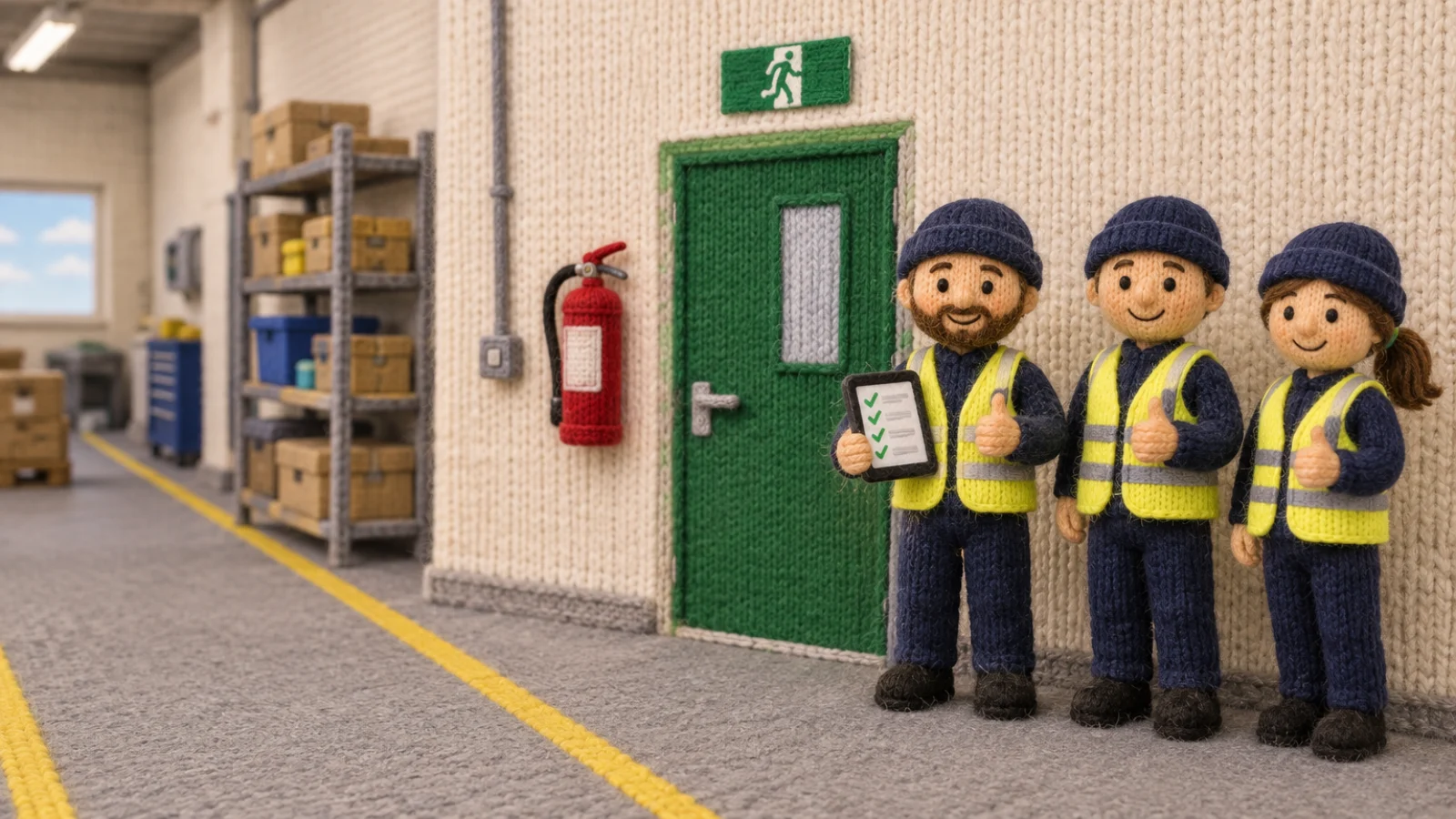
The same knitted-wool workshop. The red fire extinguisher is back on its bracket and the fire exit is clear. The inspector ticks a tablet of green ticks, and two colleagues smile and give a thumbs up.

Extinguisher back. Exit clear. Walk done.

Bring one of your own checklists, and we will walk it through Petowo with you.